
Never ever forget to get things done
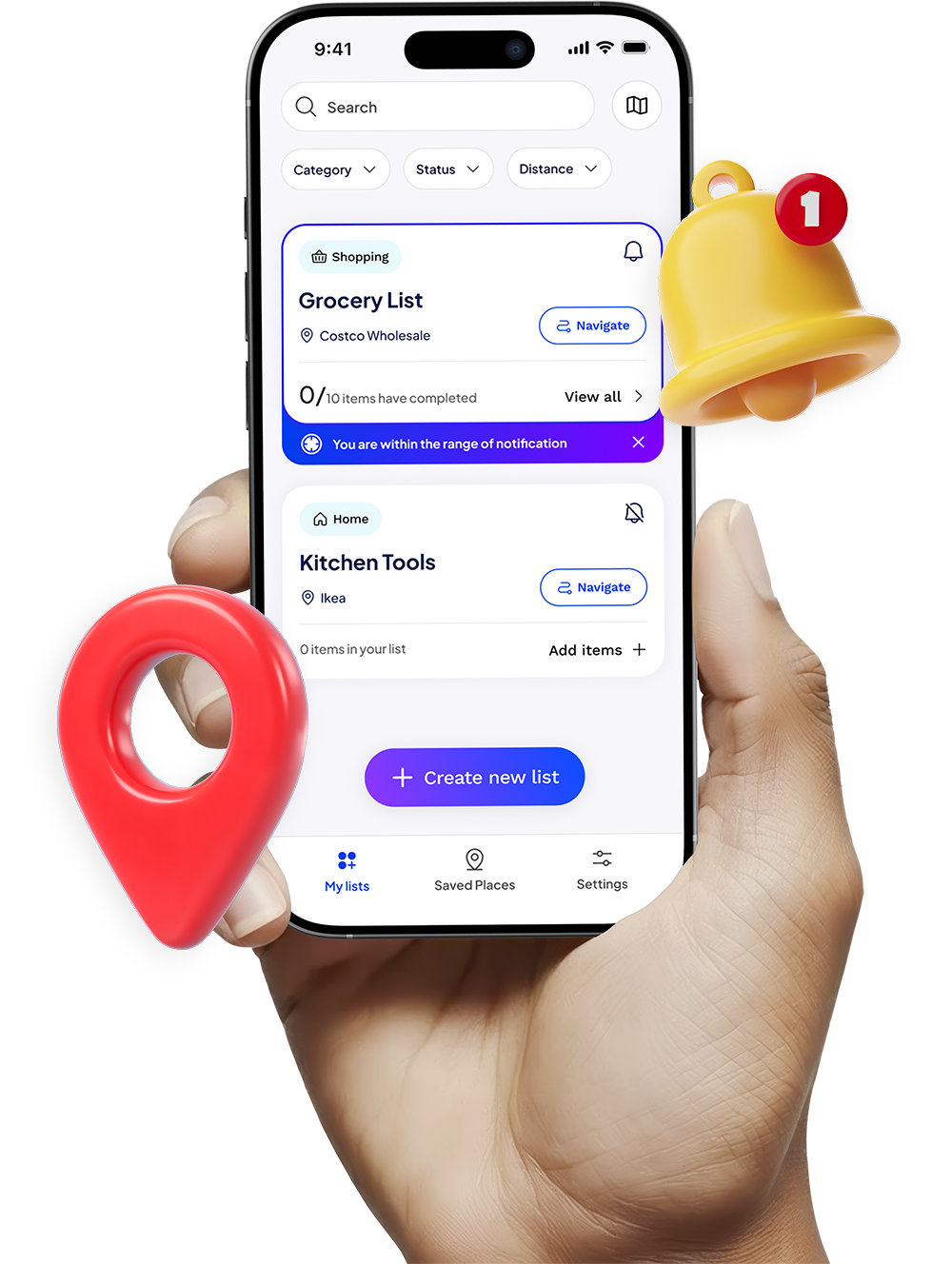
Right when you’re near the right place. Stay organized with smart, location-based reminders that notify you exactly when you’re near the right place.


Create a list
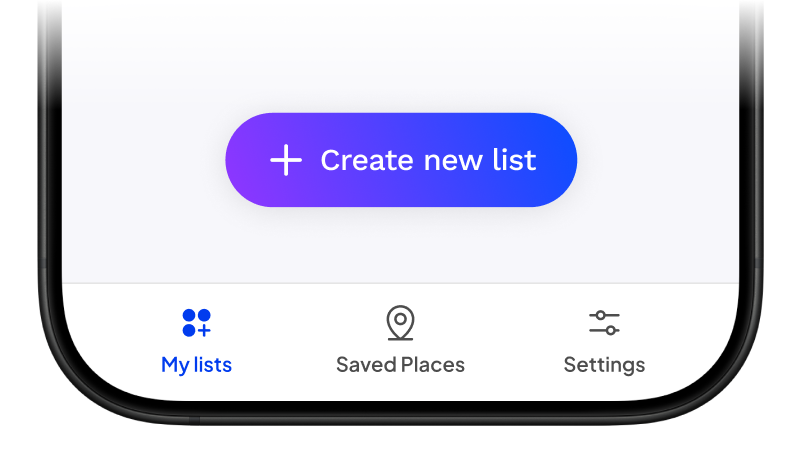
Start by tapping “Create New List” to begin organising your tasks.
Add location and items
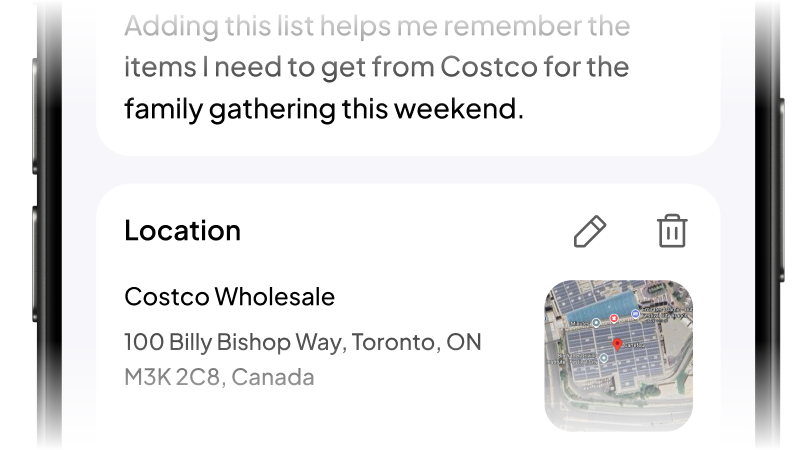
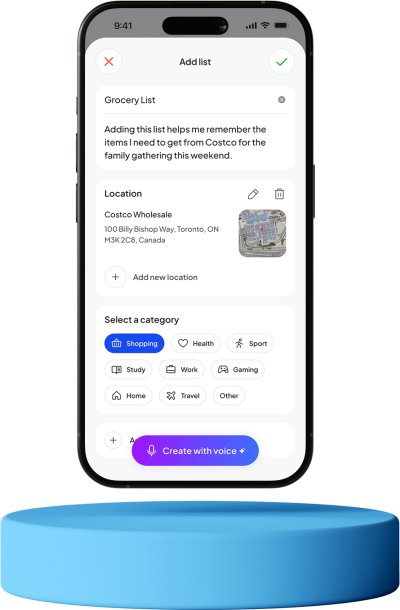
Choose a category, set the location, and add all the items you need, everything in one organised list.
Get notified
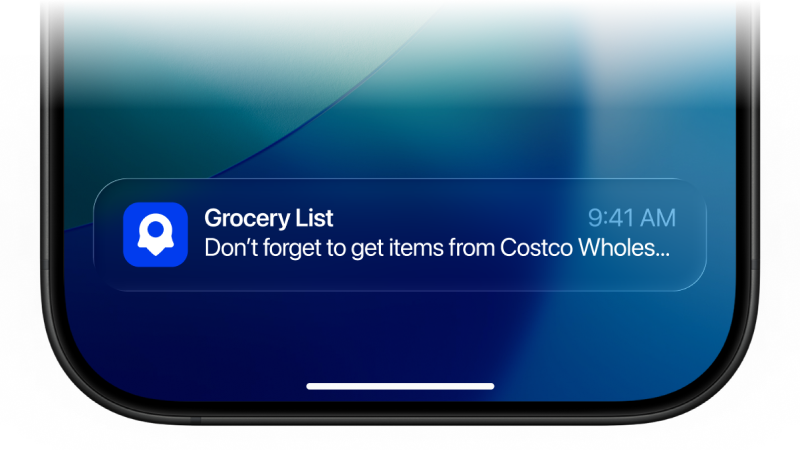
Receive timely reminders the moment you’re near the location tied to your list.
Location Based reminder
Adding list details is easier than ever
Name your list, add a short description, attach a location, and include all your items - keeping everything neatly organised in one place.
- Create list name and desciption
- Select category and add location
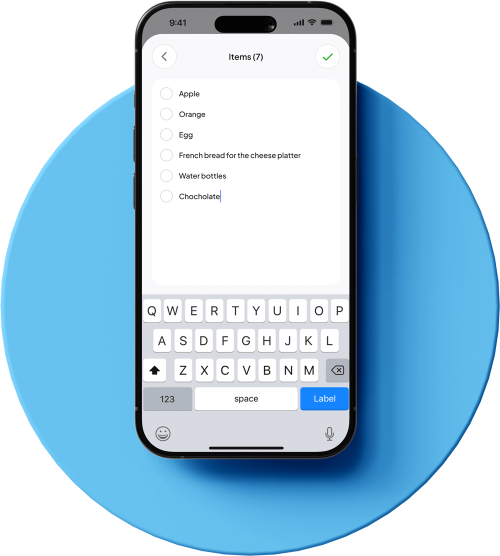
- Enter your items list
Location Based reminder
Keep track of every item effortlessly
Add items to your list in just a few taps, mark them as completed as you go, and stay perfectly organised wherever you are.



FAQ
How Pingaroo app works?
This app is a simple and intuitive location-based reminder tool. You can create lists, add tasks, and attach a location to any item. When you’re near that location, the app sends you a notification so you never forget what you need to do.
Do I need to create an account or sign up?
Yes. An account is required to use Pingaroo. You can sign up with email and password, Google, or Apple.
Does the app track or store my location?
Pingaroo uses your location only to trigger reminders when you are near a saved place. Location access is not used for tracking, advertising, or profiling.
Is my data private and secure?
Yes. We collect only what is needed to operate your account and deliver reminders (such as your name and email). We do not sell, rent, or trade your personal data. See our Privacy Policy for details.
Is the app available on both iOS and Android?
Yes! Pingaroo is avaliable on both IOS and Android.
so you can enjoy the same great experience regardless of your device.
Does the app work internationally?
Yes. The app works anywhere in the world. There are no country or region restrictions.
Do reminders work in the background?
Yes. As long as you’ve granted the app permission to access your location, it can trigger reminders even if the app is closed.
Do I need an internet connection?
You’ll need internet to sign up, sign in, search for locations, and sync your lists. After your lists are saved on the device, location reminders can still trigger offline as long as GPS is active. Changes you make offline will sync when you’re back online.
How accurate are the location notifications?
The app uses your device’s built-in location services. Accuracy may vary based on GPS signal strength, your surroundings, and system settings, but it generally works well for everyday reminders.
Can I customise how and when I get notified?
Yes. You can choose your notification settings through your device’s system preferences and manage app permissions at any time.